HOW PITCH & PROGRESS WORKS

One connected week.
From lesson to lesson.

Your teaching doesn't stop at the door. Give pupils a clear plan, see what they practise and begin the next lesson ready to move forward.

30-day free trialNo payment cardTeacher-controlled
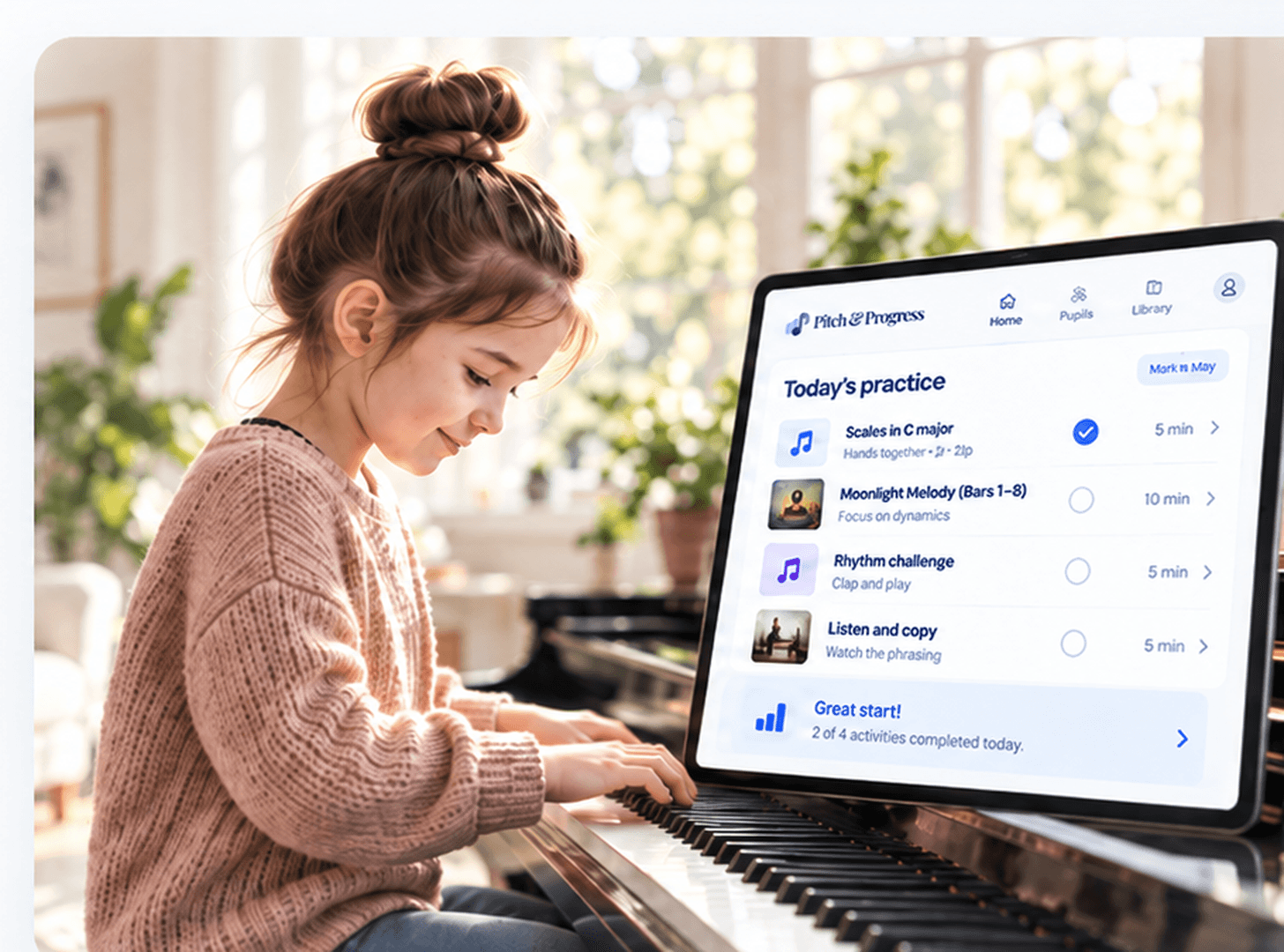
A pupil practising piano beside a digital weekly practice plan

THE TEACHING JOURNEY

Four moments. One more connected experience.

There is no new teaching method to learn. These are the things you already do, kept together so the progress carries on.

01AFTER THE LESSON

Write a recap, set practice, add resources.

Capture the important correction while it is fresh. Choose exactly which piece, bars or technique to revisit, and reuse resources you already teach with.

  • Short, editable lesson recap
  • Specific tasks and timings
  • Your own sheet music and resources
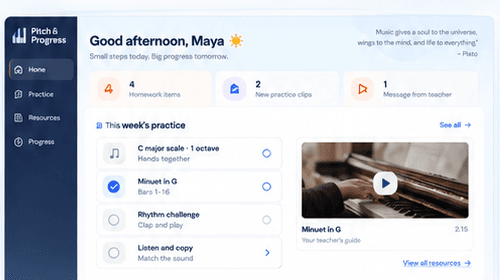
Example teacher view showing lesson notes and tasks
02AT HOME

Pupils know what to practise.

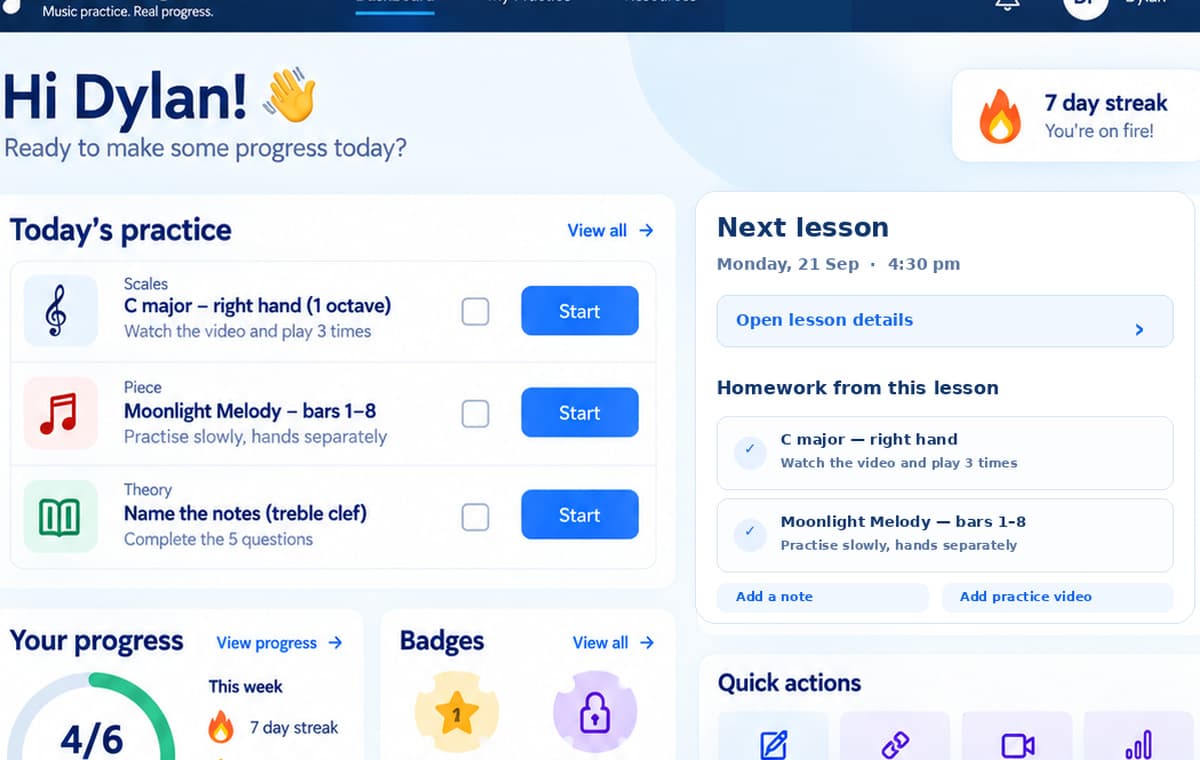
Your pupil opens their private practice space and sees one clear plan. They can mark tasks as done and revisit the instructions without searching through messages.

  • No pupil email required
  • Clear checklist and guidance
  • Optional private practice clips
Example private pupil practice dashboard
03DURING THE WEEK

Progress becomes visible.

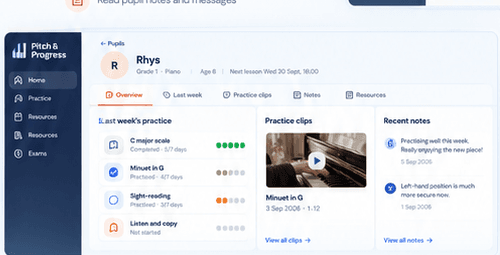
A completed task or short practice clip gives you more context than a vague 'I practised'. Pupils can share updates when helpful — not as a judgement or a competition.

  • Practice check-ins
  • Optional two-minute videos
  • Teacher-controlled privacy
Example pupil practice and progress screen
04BEFORE THE NEXT LESSON

Arrive ready to teach, not catch up.

Revisit the focus you set, check what was done and see what needs attention. Keep the tasks that still matter and take the next teaching step with confidence.

  • Know what needs revisiting
  • Reuse useful practice tasks
  • A clearer next lesson
Example teacher lesson preparation screen
TRY A SMALL PART YOURSELF

Make a practice plan in seconds.

Choose the tasks you would set after a lesson. Then see the simple plan Maya would receive. This is a sample — nothing is saved or sent.

No account needed
TEACHER VIEW
Maya · piano lessonExample lesson · Year 3 pupil
Choose practice tasks
Edit the focus and select at least one task to continue.

BUILT AROUND YOUR TEACHING

Keep the music personal. Make the follow-through simpler.

Assign the pieces you choose, use your own notes, and see only the information that helps your next teaching decision.

See everything teachers can do

Your teaching, your resources

Reuse and tailor the methods you already trust.

Optional practice clips

Private short recordings to hear how a passage is going.

Protected pupil spaces

Teacher-managed access with a code and PIN.

Context for next week

Move forward without reconstructing the previous lesson.

Private pupil workspacesTeacher-controlled access
No pupil email requiredCode and PIN sign-in
Try before you pay30 days, three pupils, no card

START WITH THREE PUPILS

Put one real teaching week to the test.

Start with three pupils and see how it feels to arrive at the next lesson already prepared.

Try free for 30 daysNo payment card required · Cancel anytime